Configuring General Settings in pfsense #
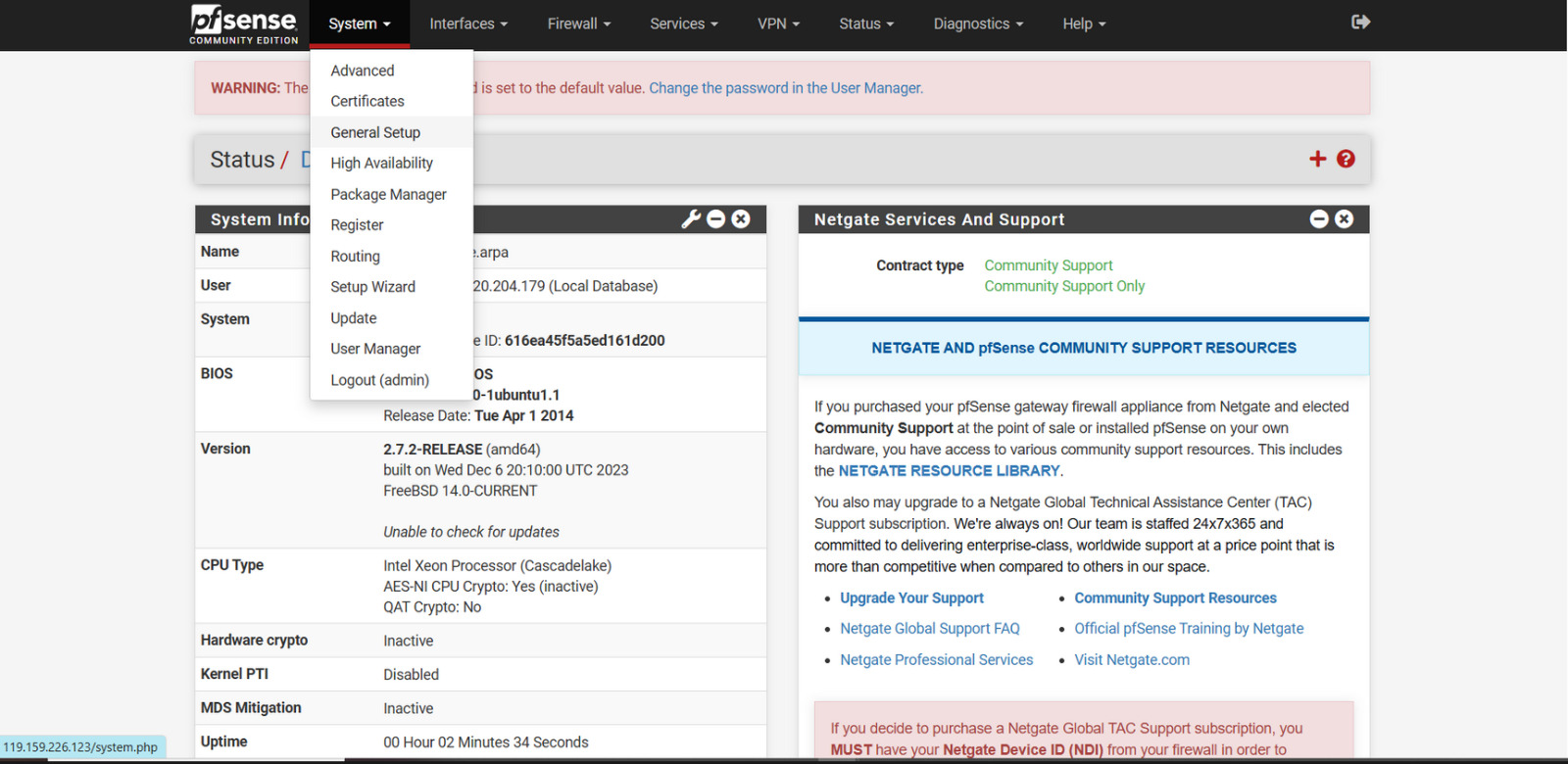
Step 1: Navigate to the General Setup
In the System menu, go to General Setup.
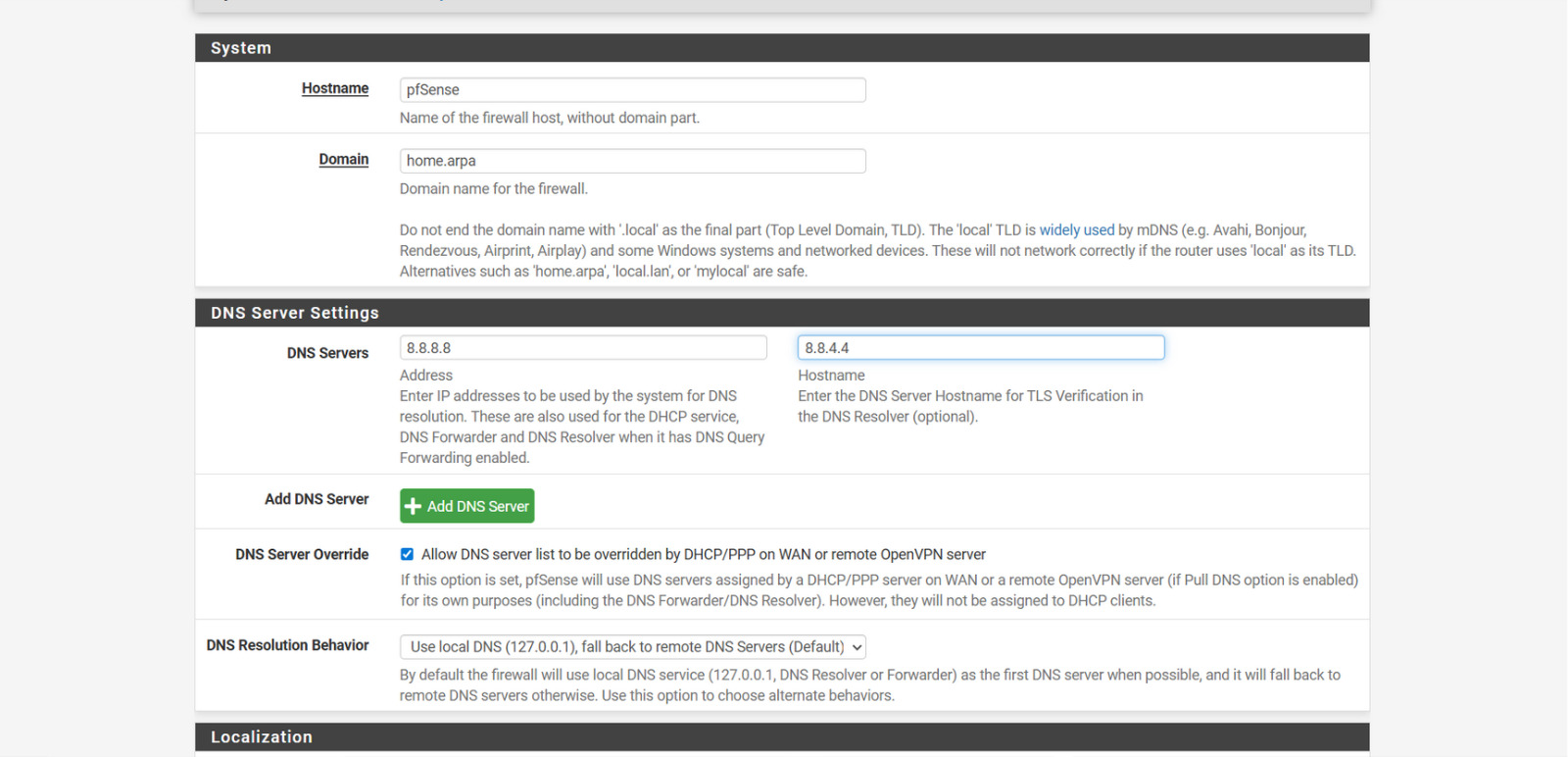
Step 2: Hostname Configuration
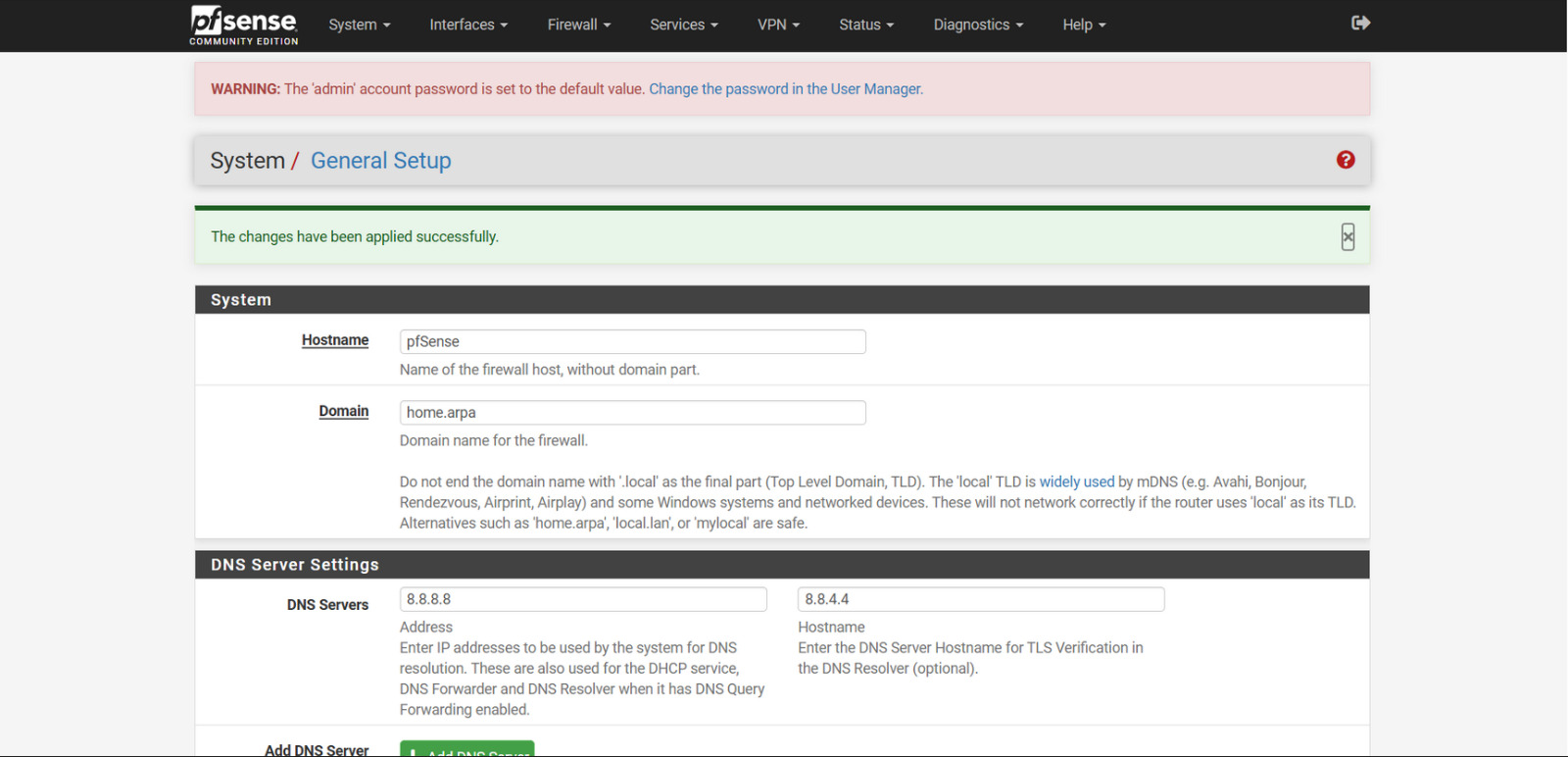
By default, the hostname is configured as pfsense, and the domain is set to home.arpa.
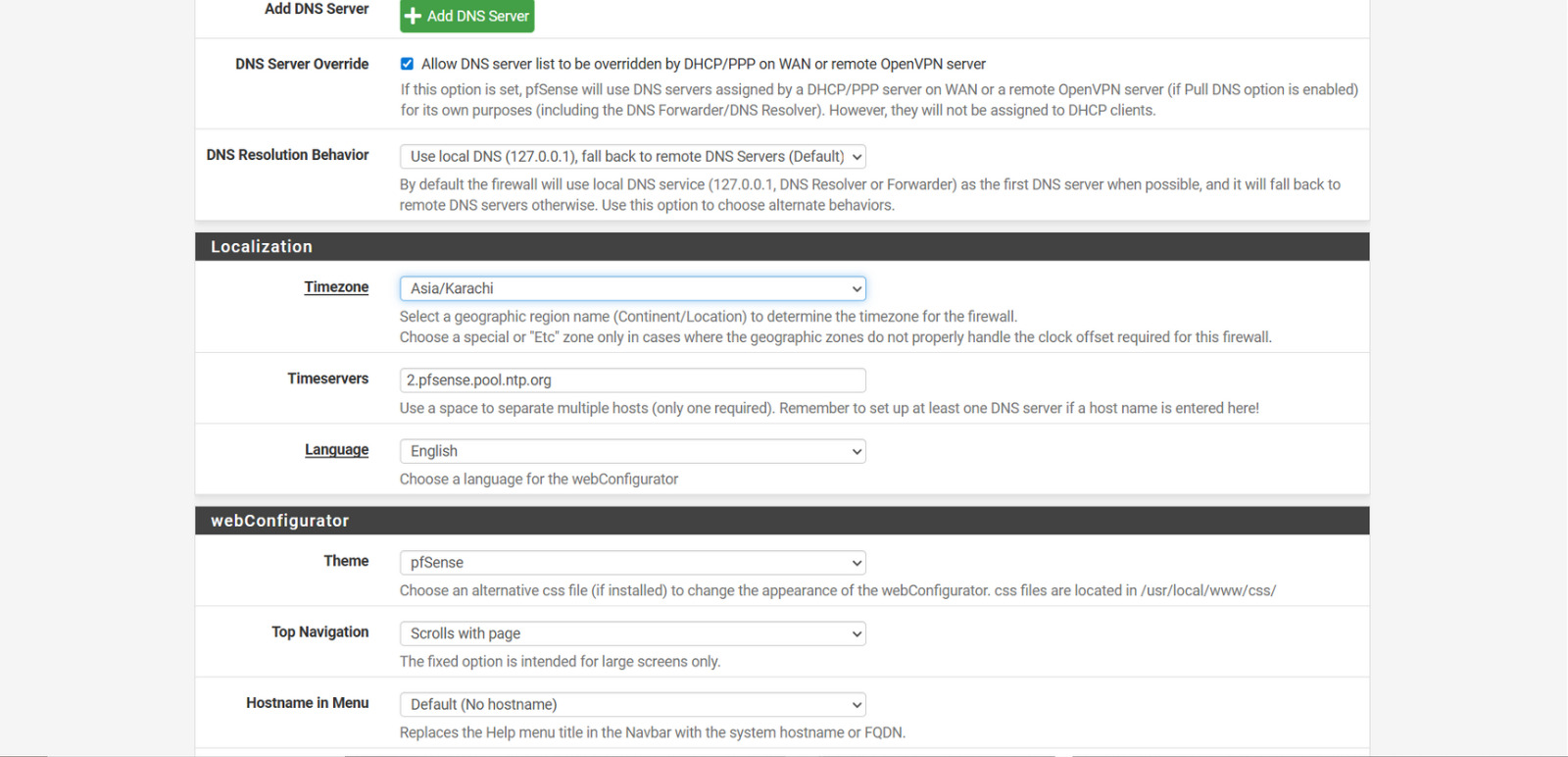
Step 3: Selection of Time Zone
Set the Time Zone to Asia/Karachi.
- Leave all other fields at their default values.
- Click Done to save the configuration.
Step 4: Successfully Changes Message
A green highlighted notification will appear, indicating that the changes were applied successfully.
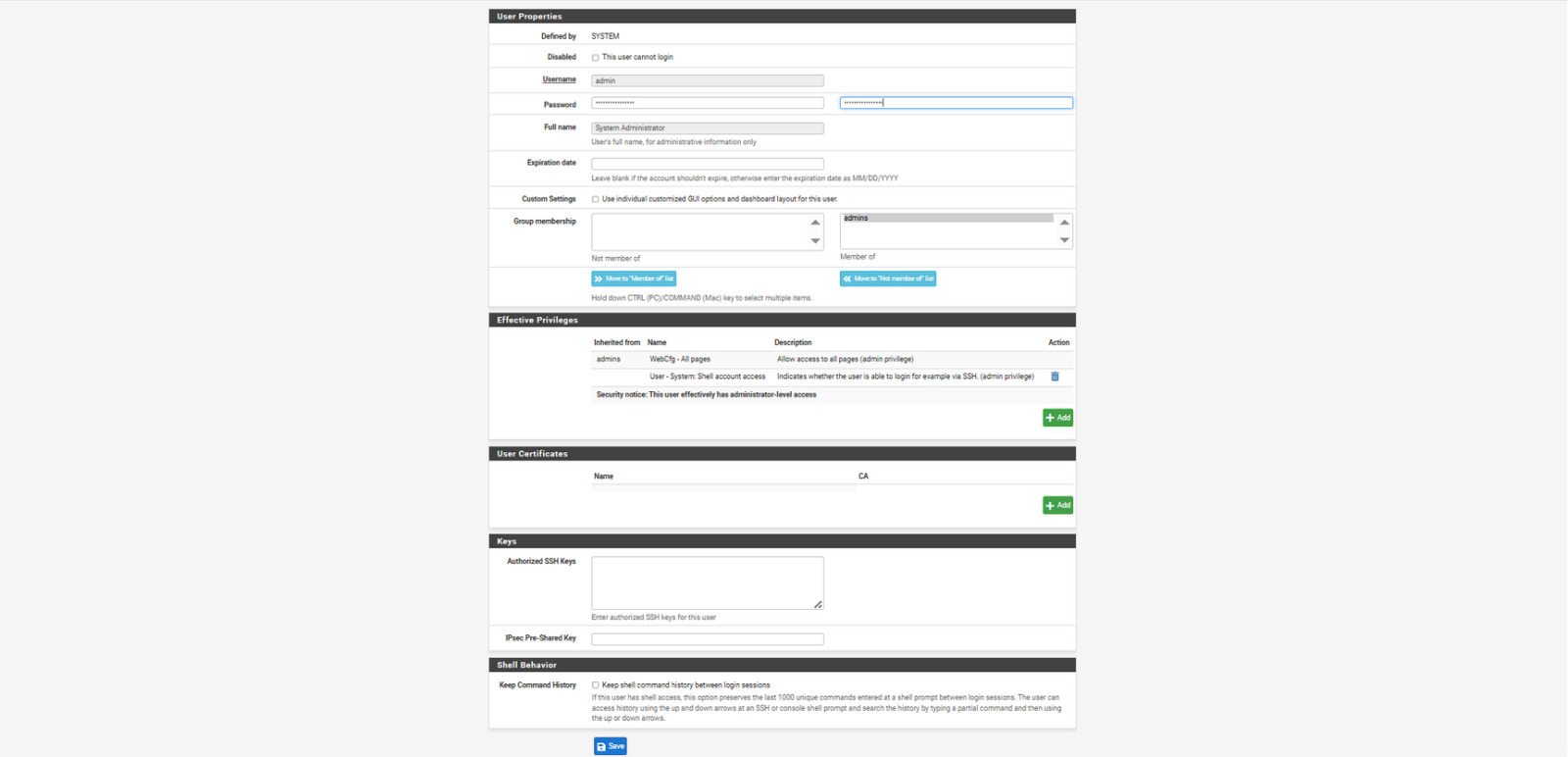
Step 5: Change the default password of Firewall
Now we have to change the default password of firewall. Go to system -> user manager and hit edit and set new password and save the settings.