pfSense Accessibility #
Step 1: Access pfSense
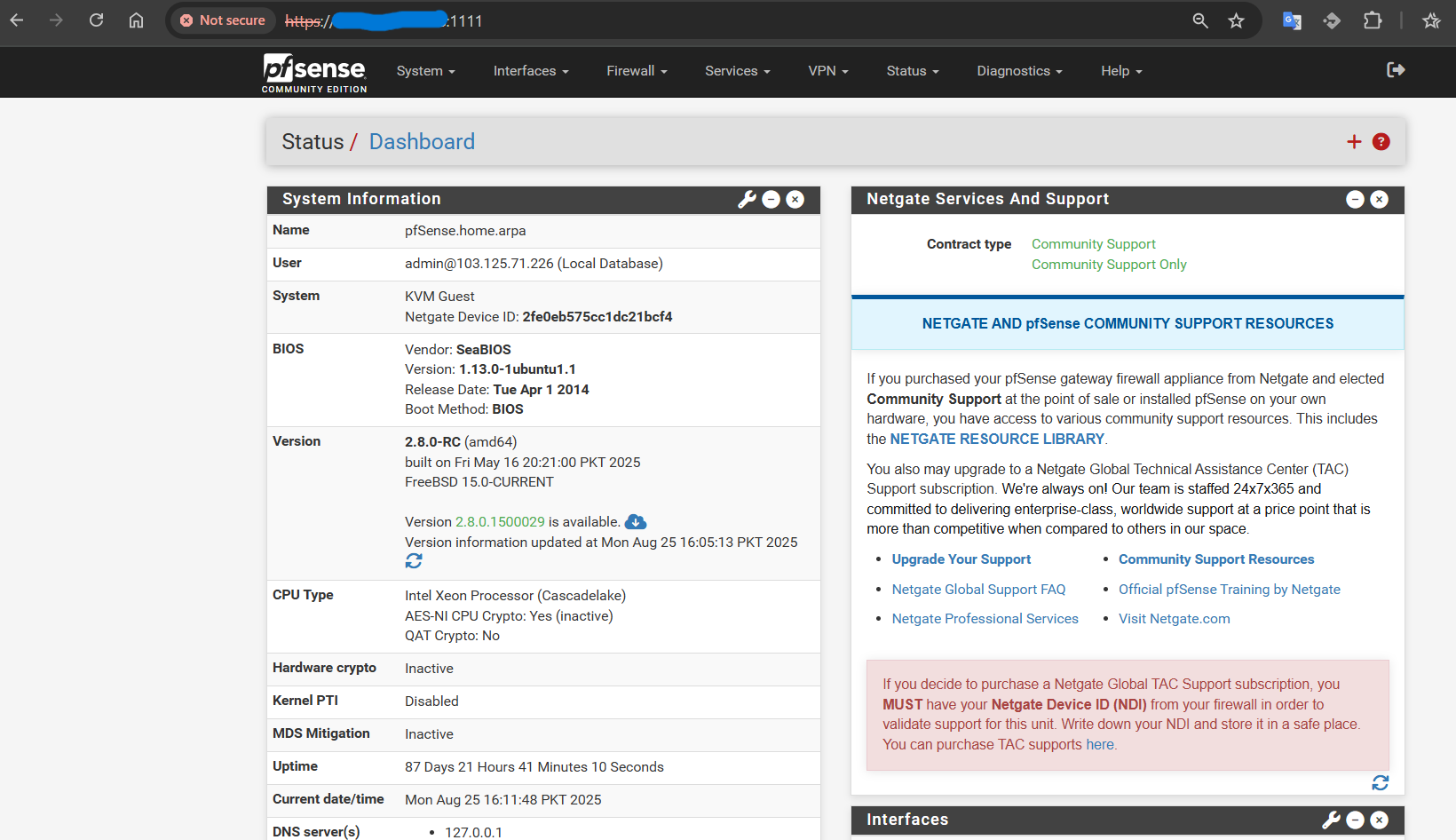
- Open your browser and access pfSense using the public IP address along with the port.:1111
- https://<Public-IP>:1111
Step 2: Restricting Global pfSense Access
To block global access to pfSense via a port,1111 follow these steps:
- Navigate to
Firewall > Rules > WAN
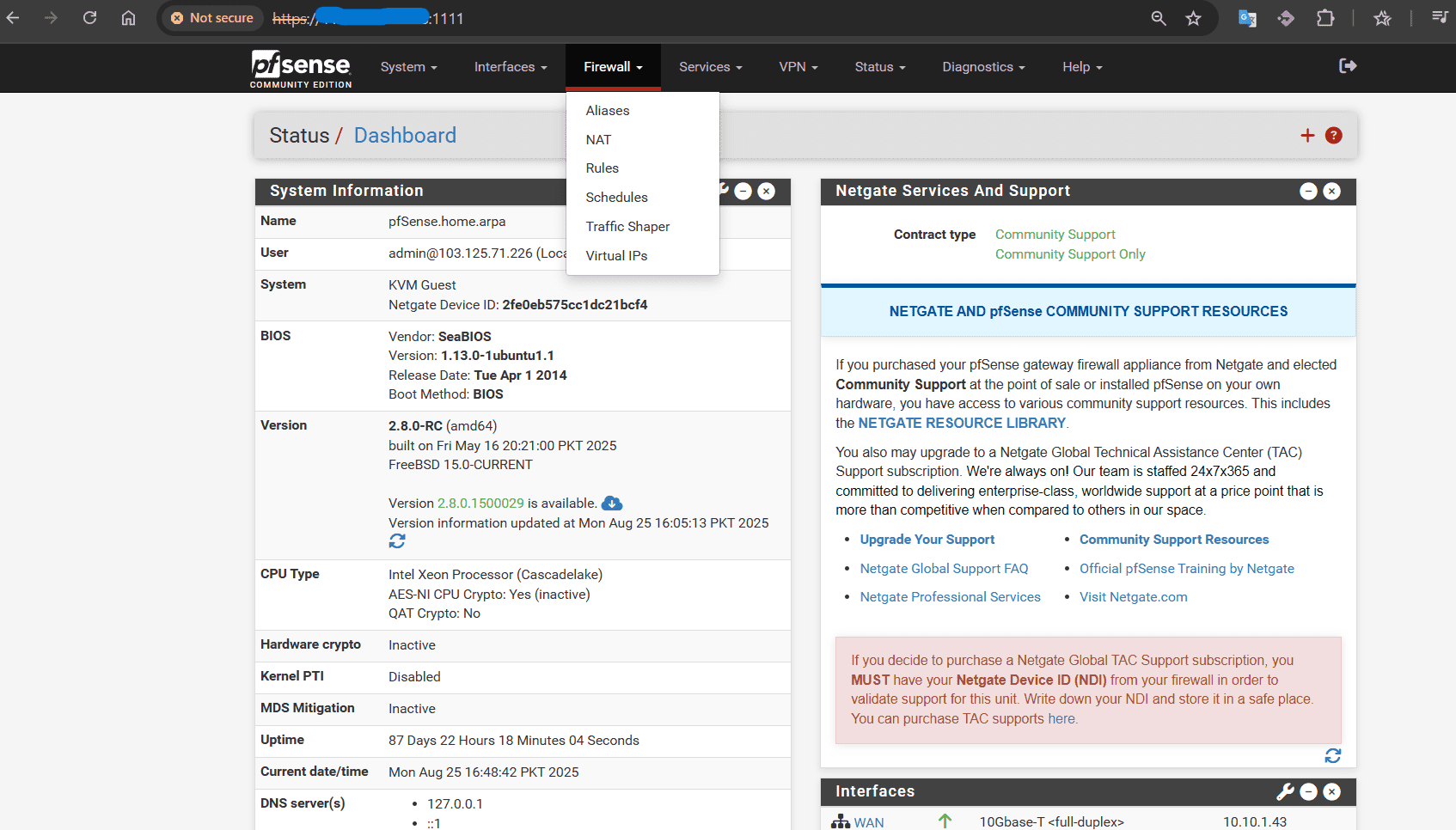
- Click on the Add Rule (Up Arrow icon) to create a new rule.

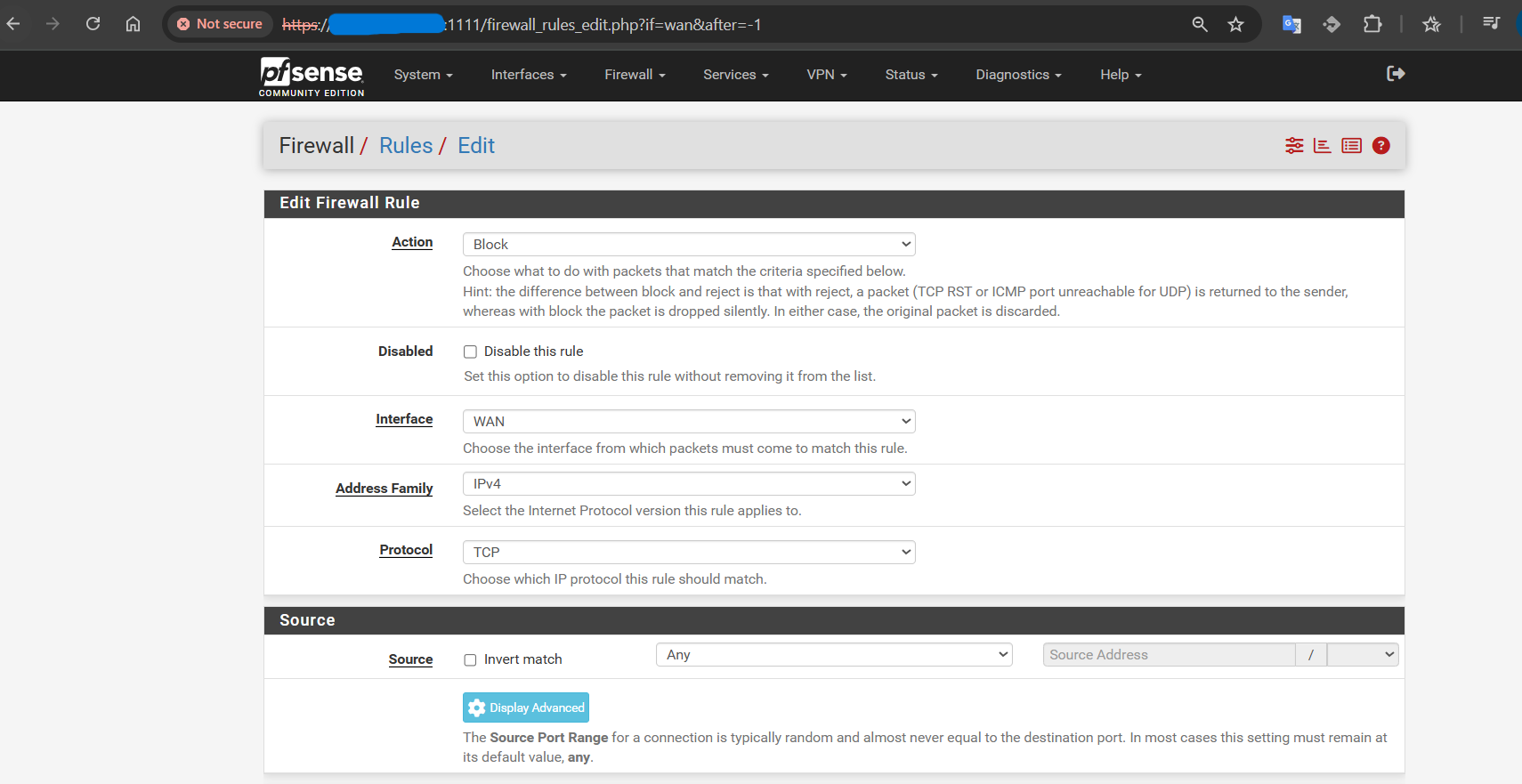
- In the rule configuration screen:
- Action: Select Block
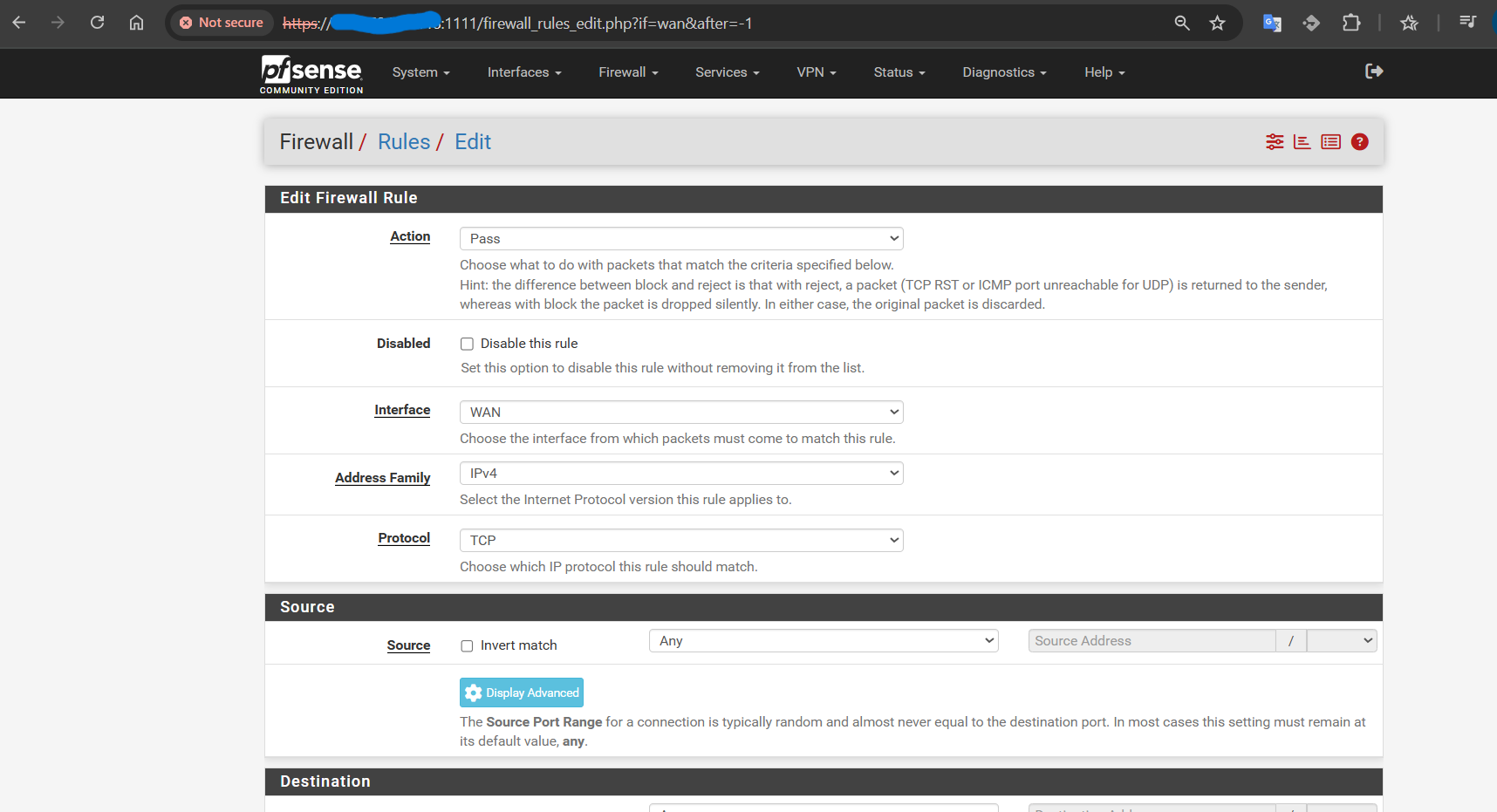
- Disabled: Do not check this option
- Interface: Select WAN
- Address Family: Select IPv4
- Protocol: Select TCP
- Source: Set to Any
- Destination: Select This Firewall
- Destination Port: Enter 1111
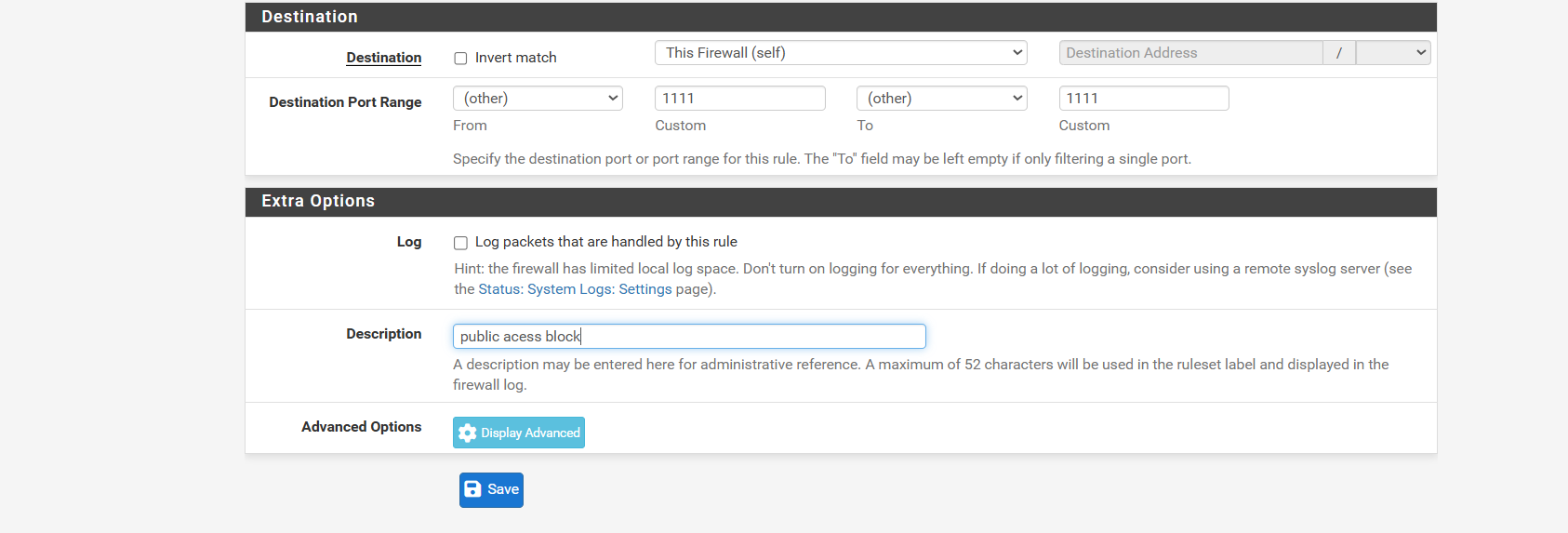
- Scroll down and click Save.
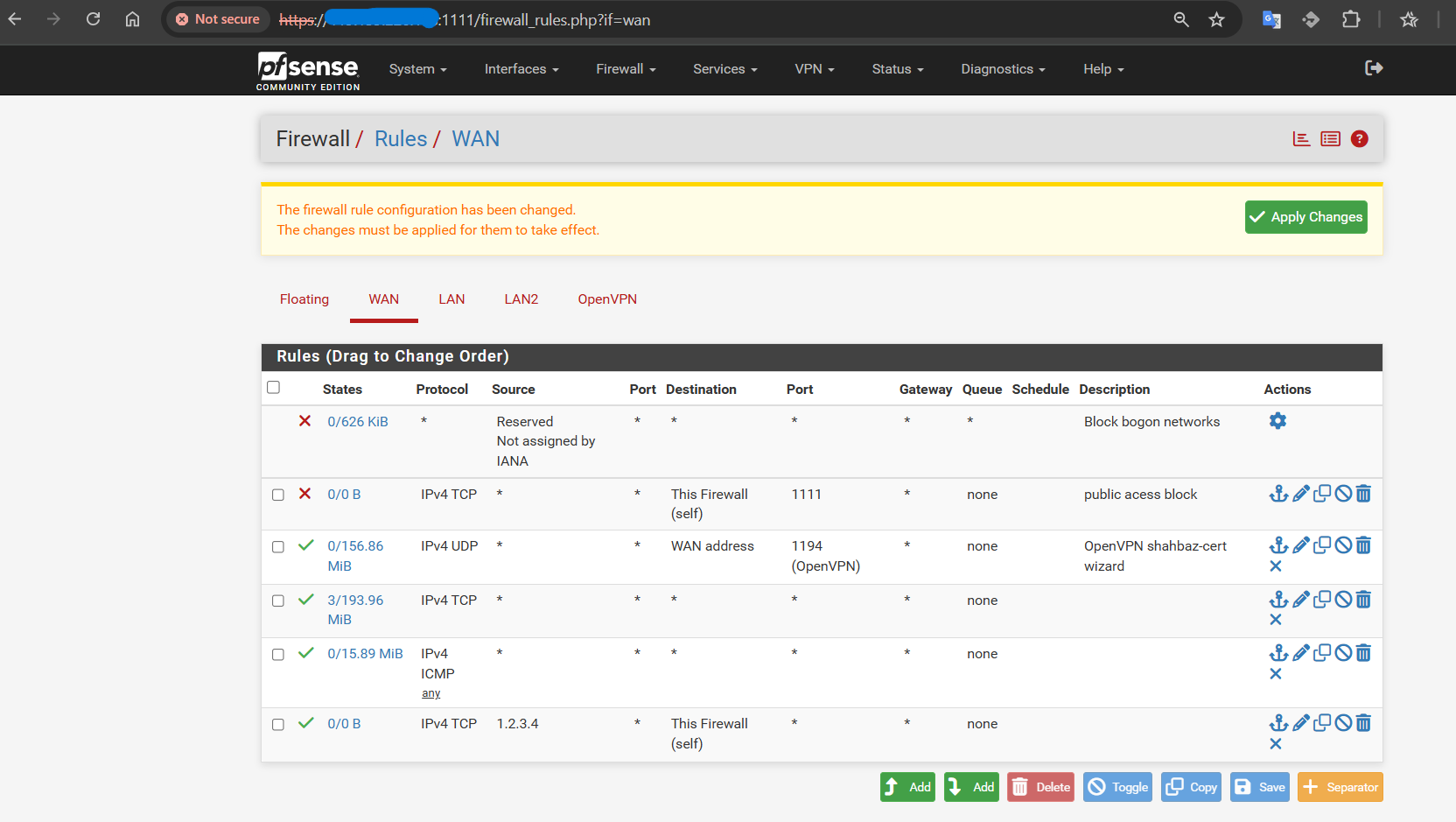
- Go back to the WAN Rules Tab and click Apply Changes to activate the new rule.
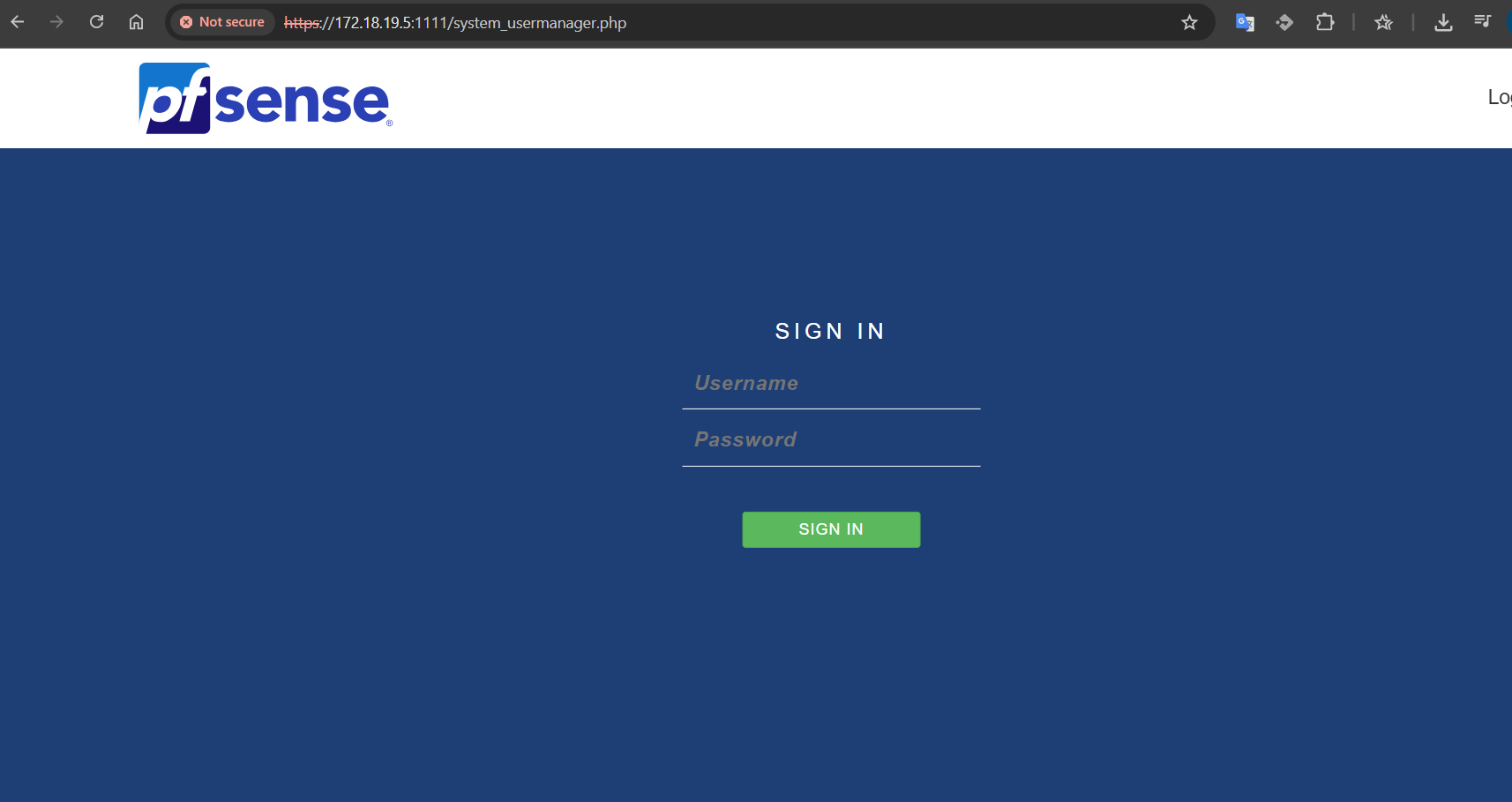
This ensures pfSense global access via port 1111 is blocked while keeping firewall rules properly applied.