Backing Up pfSense Configuration #
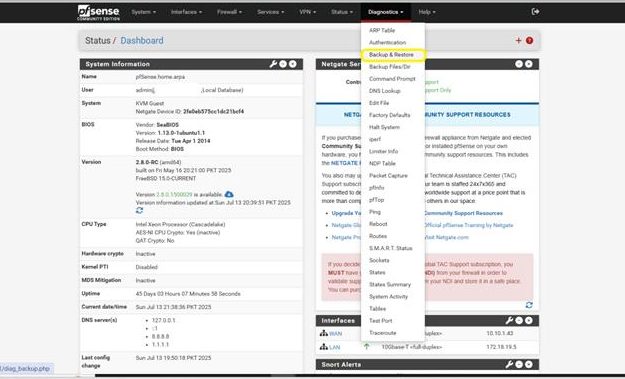
Step 1: Open the Backup & Restore Page
- From the pfSense Home Screen, go to the top menu and click:
Diagnostics > Backup & Restore
This will open the page where you can back up or restore your pfSense system settings.
Step 2: Backup or Restore Your Configuration
The Diagnostics / Backup & Restore / Backup & Restore screen will now appear.
- To create a full backup of your pfSense configuration, simply click the Download Configuration button.
This will save a complete backup file to your computer. - To restore a configuration:
Click Browse to select the backup file from your system.
Then click Restore Configuration to apply it.
⚠️ pfSense will automatically reboot after restoring the configuration. Make sure the backup file is valid and from the same or compatible version.