IPsec Tunnel Deletion #
To delete an IPSec Tunnel in pfSense, follow these steps:
Step 1: Login to the pfSense dashboard.
Step 2: Navigate to VPN > IPsec > Tunnels.
Step 3: Locate and open the tunnel you want to delete.
It is recommended to first disable the tunnel before deletion.
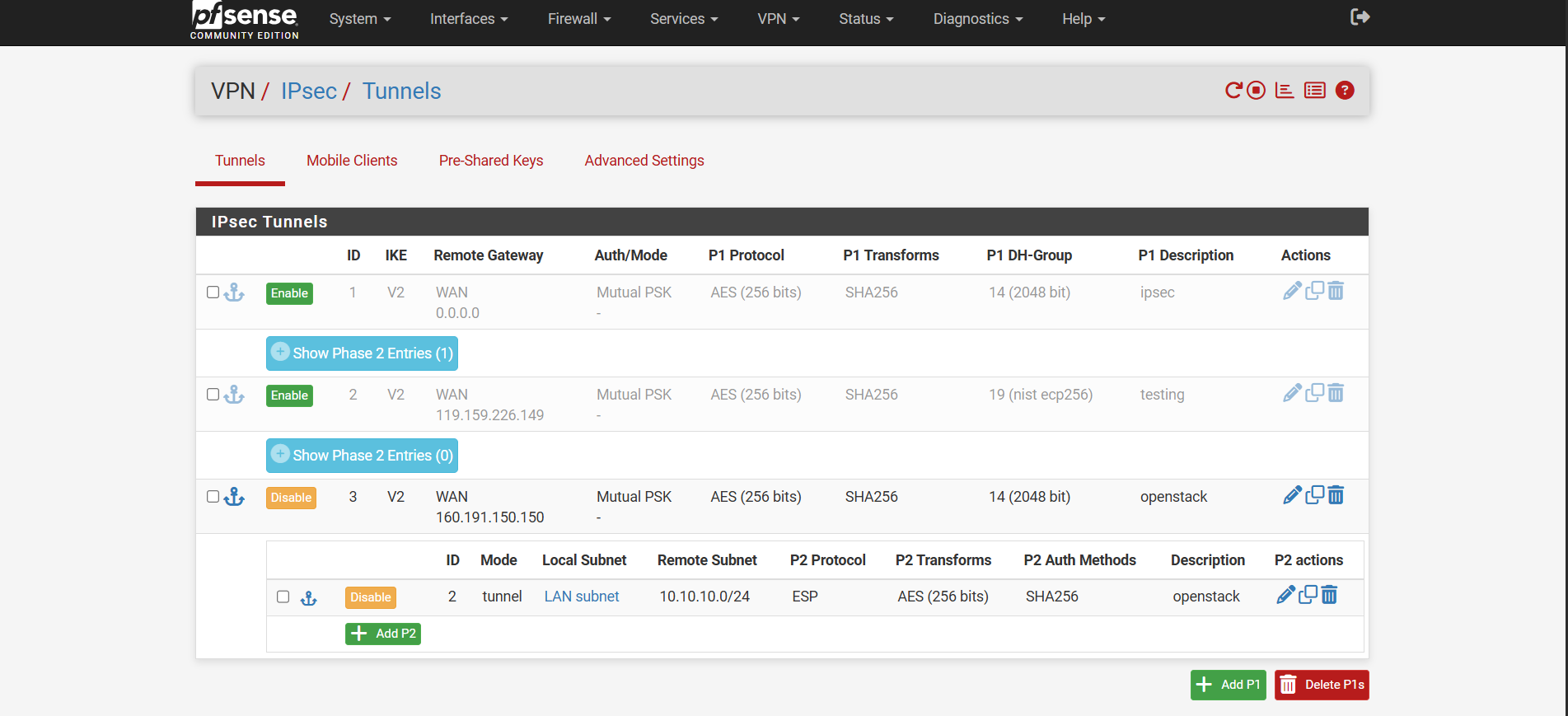
- Step 5: Under the selected tunnel, delete Phase 2:
- Click on Delete for the Phase 2 entry.
- Click Apply Changes.
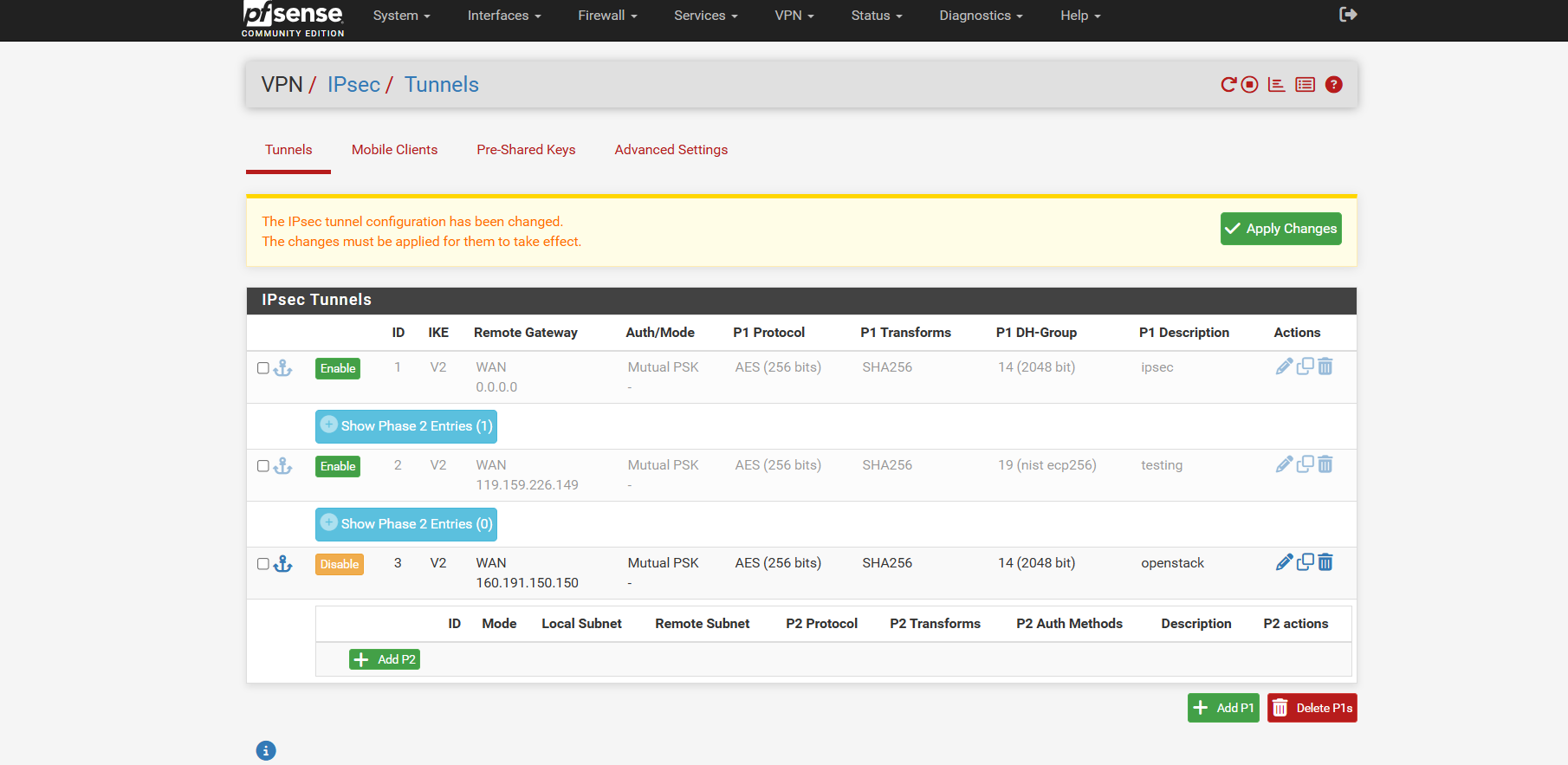
- The Phase 2 entry will now be removed.
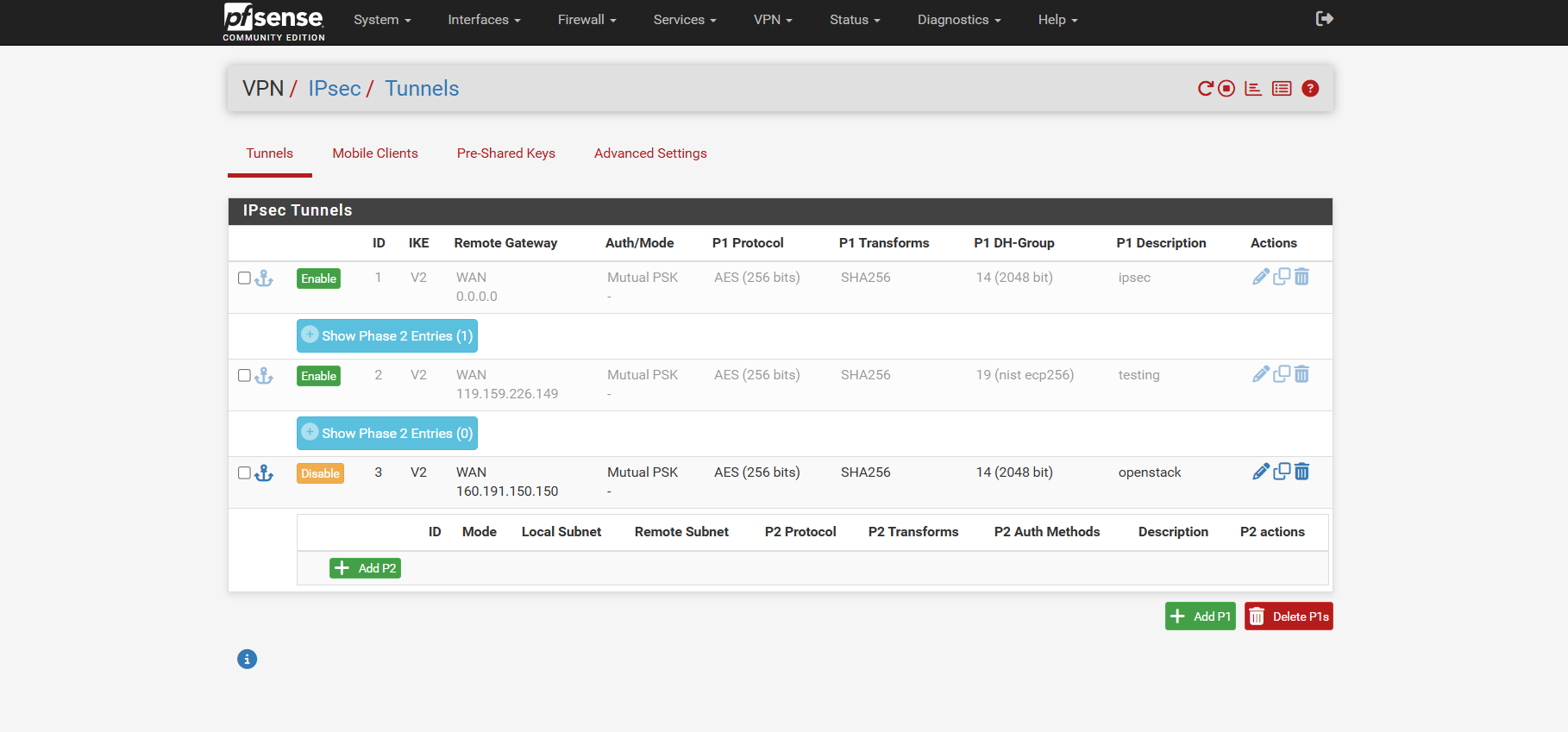
Step 7: Delete Phase 1 Entry
After Phase 2 is deleted, only Phase 1 of the tunnel will remain.
- Click Delete for the Phase 1 entry.
- Click Apply Changes to finalize the deletion.

- The IPSec tunnel will now be completely deleted.