Deleting an OSS Bucket #
To delete an existing OSS (Object Storage Service) bucket in the QCloud Portal, follow these steps:
Step 1: Navigate to the Bucket Section
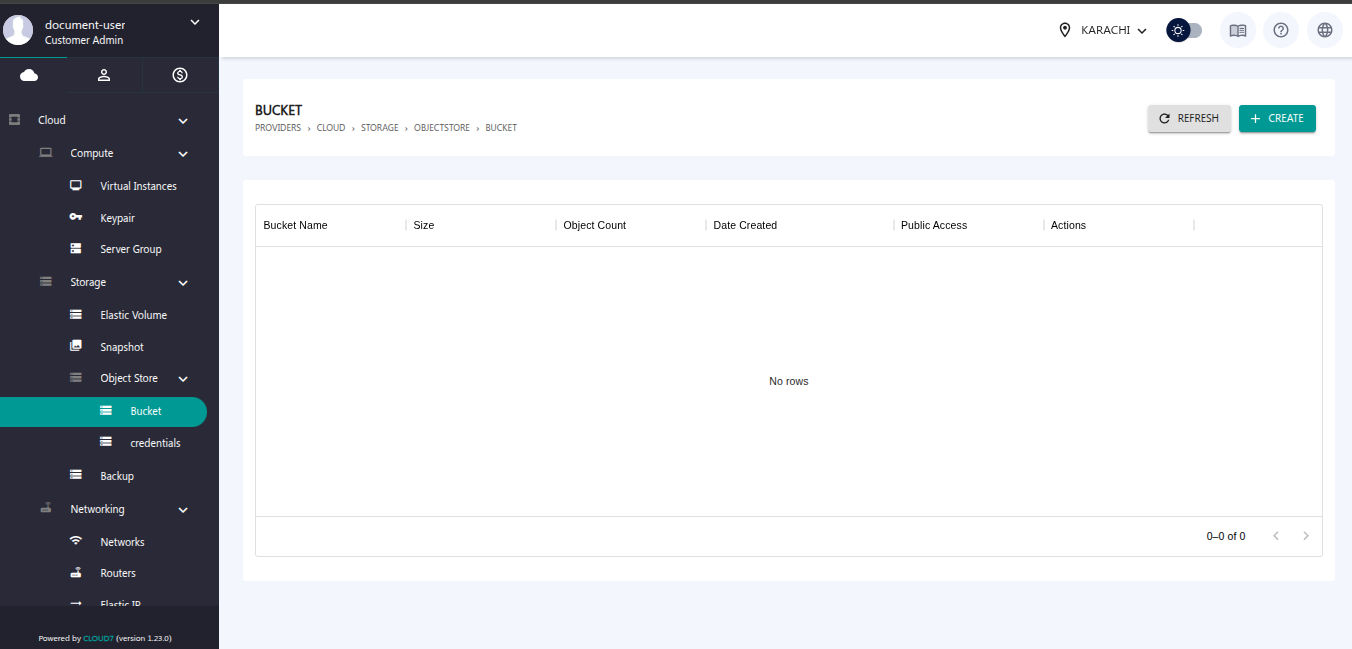
From the left-hand menu, go to the Object Store > Bucket. The bucket list will be displayed on this dashboard.
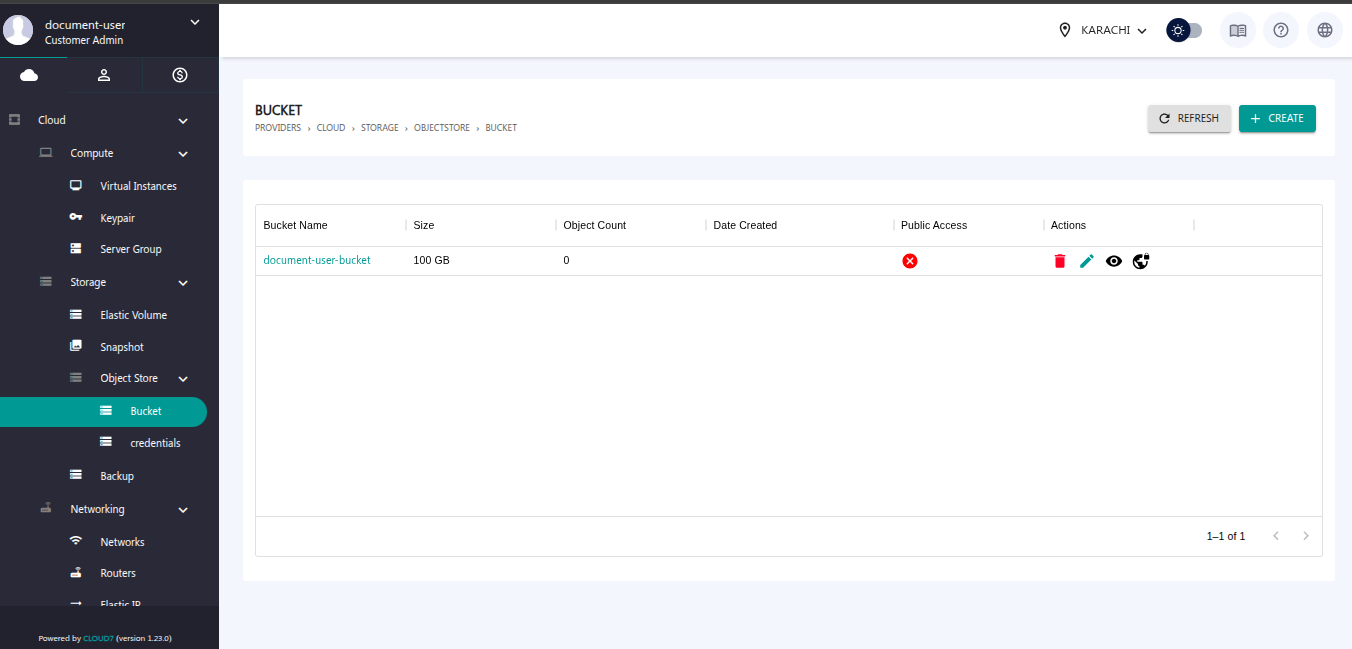
Step 2: Click the Delete Icon
Locate the bucket you wish to delete, and click on the Delete icon next to it.
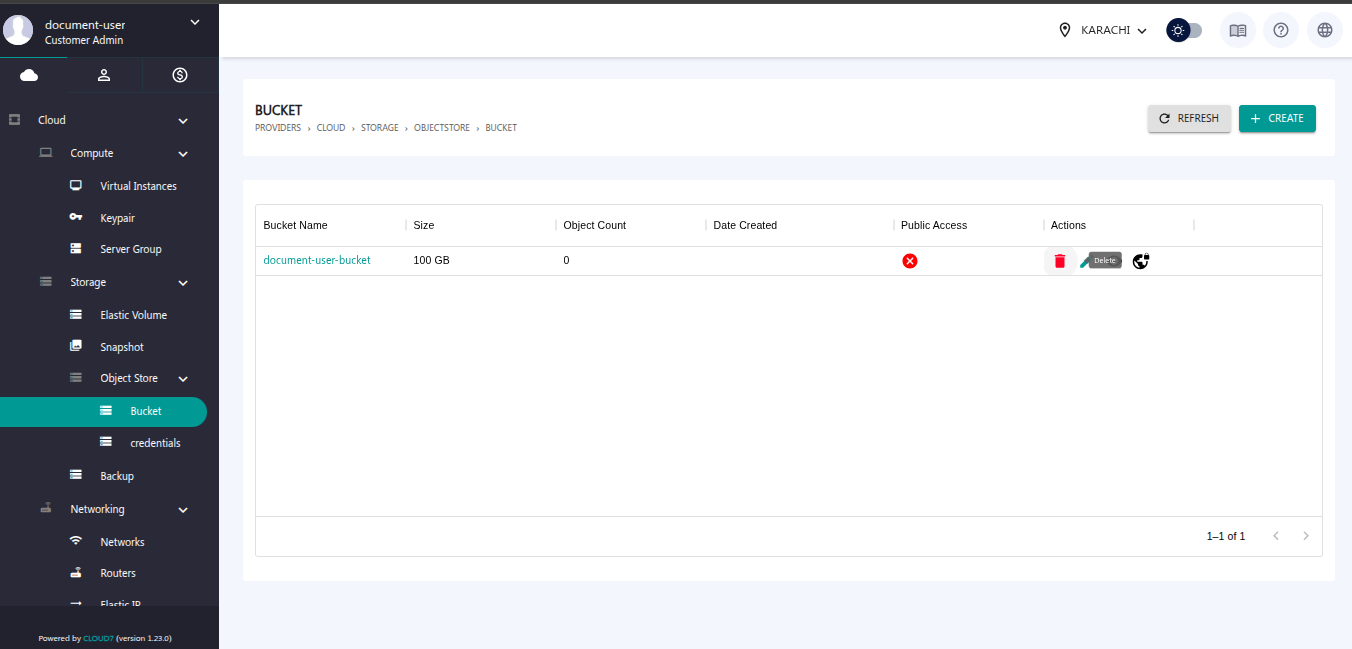
Step 3: Bucket Deletion Completed
The selected bucket will be permanently deleted from the OSS.